How to add a WhatsApp button to your website
Put a WhatsApp button next to your AI assistant so visitors choose the channel they already use — one setting, no code.
Two billion people already have WhatsApp open all day. A WhatsApp button on your site meets them in the app they trust — and inside Chaaty it lives alongside your AI assistant, so visitors pick: instant AI answers, or a direct line to you.
Add your number
In your dashboard, open Contact channels and switch on WhatsApp with your business number:
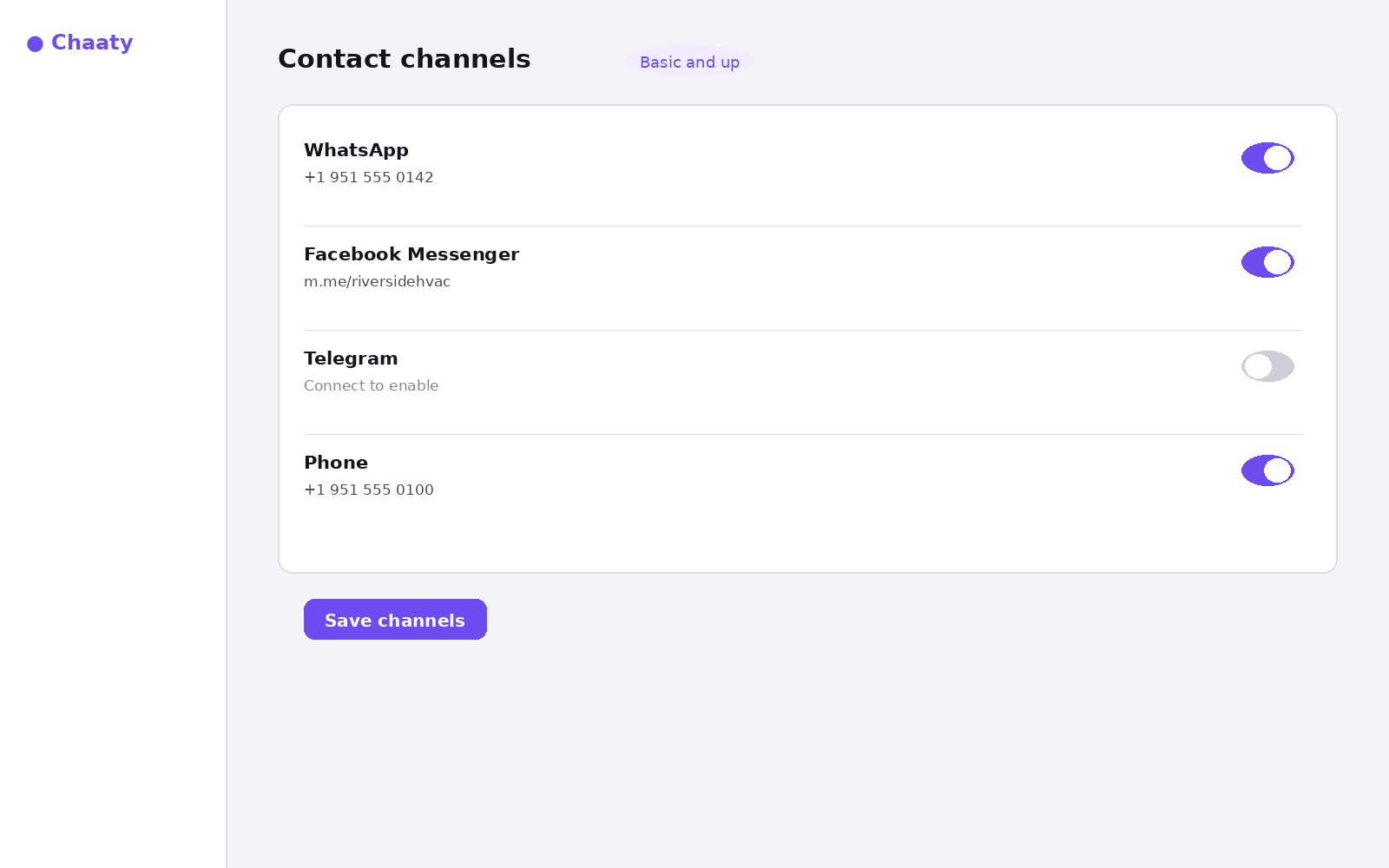
Use the full international format (+1 951 555 0142). If you have a WhatsApp Business account, use that number — it's the one customers can message.
Short on time? Create your free assistant and it does the setup below for you — no card needed.
What visitors see
The widget shows your channels at the top of the chat. One tap opens WhatsApp with your number ready to message:
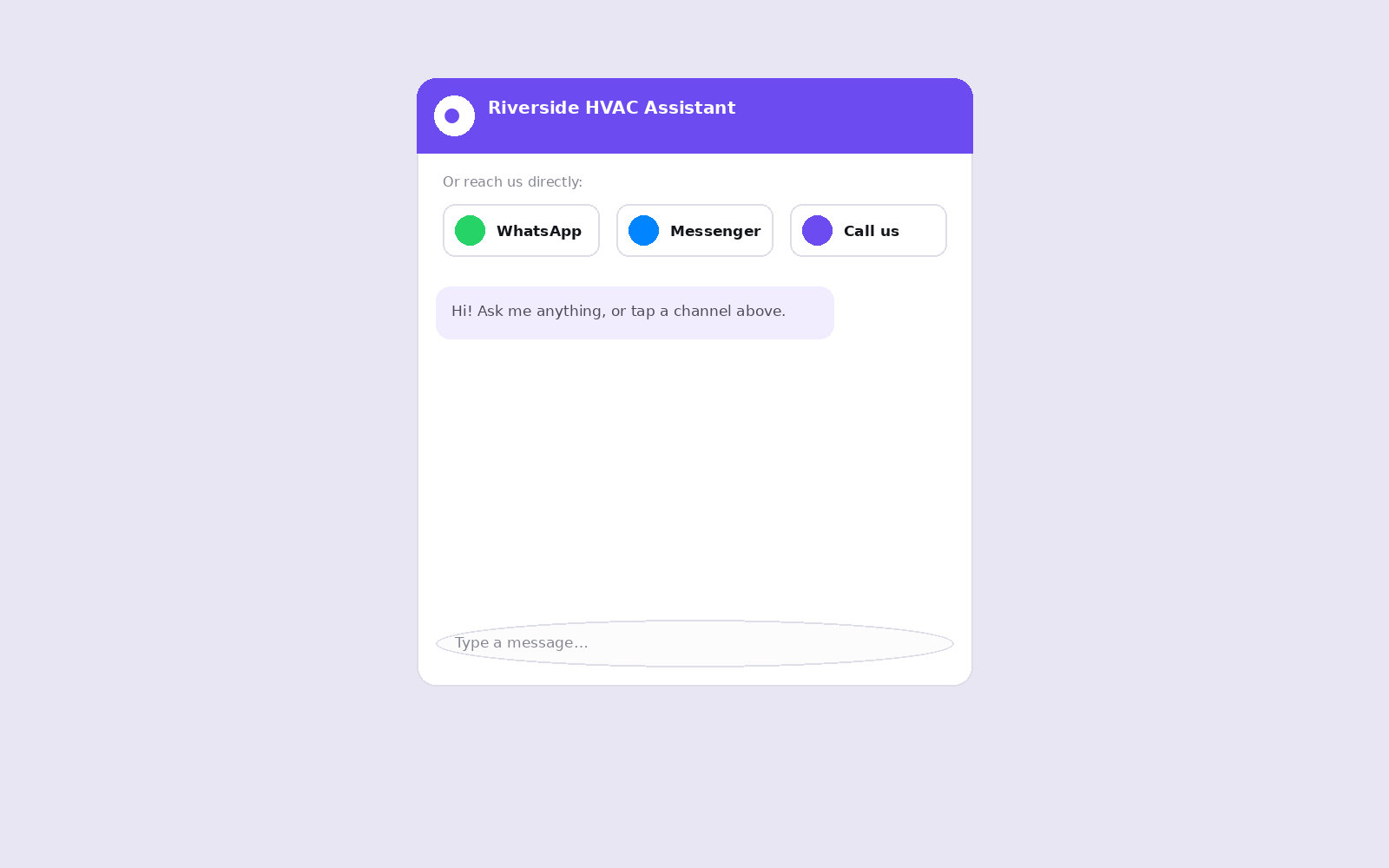
No code, no separate WhatsApp plugin, and it works on desktop (WhatsApp Web) and mobile (the app) automatically.
Why pair it with the assistant
A bare WhatsApp button sends every question to your phone. Paired with the assistant, the routine 80% — prices, hours, coverage — gets answered instantly by AI, and WhatsApp carries the conversations that genuinely need you. You get fewer interruptions and the customer still always has a human path.
Put an AI assistant on your site today
Chaaty reads your website and builds a working assistant in about a minute. Free plan, no credit card.