Where to find your Chatbot ID
Your Chatbot ID tells the widget which assistant to load. Here's where it lives and the two places you'll ever need it.
2 min readUpdated 2026-09-02
Your Chatbot ID is the long identifier that tells the embed script which assistant to load — it looks like 2b83647f-5536-4873-9887-35ae16cd79fb.
Where it is
In your Chaaty dashboard, open your chatbot. The embed code contains it as the data-chatbot-id value:
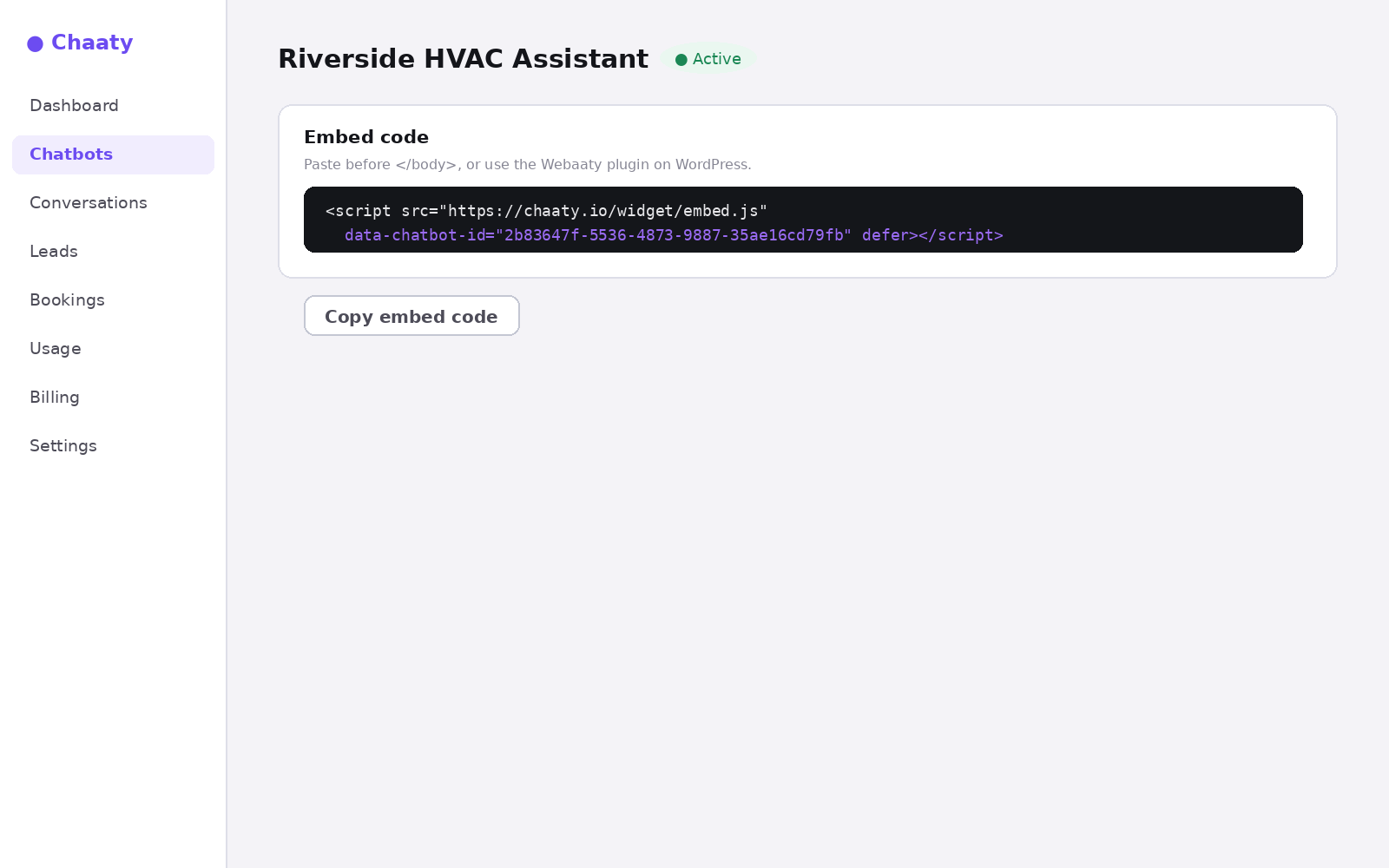
Copy everything between the quotes — a truncated paste fails silently.
Short on time? Create your free assistant and it does the setup below for you — no card needed.
When you actually need it
Almost never, honestly. The two real cases:
- Manual embeds — pasting the script tag into a non-WordPress site, per the universal install guide.
- Pointing the WordPress plugin at a specific assistant — though the better path is the plugin's Sign in to Chaaty option, which lists your assistants so you pick instead of paste.
Put an AI assistant on your site today
Chaaty reads your website and builds a working assistant in about a minute. Free plan, no credit card.