How to capture leads from website chat
Visitors who chat are your warmest traffic. Here's how an AI assistant turns those conversations into names and email addresses — automatically.
Someone asking your chat widget about prices is closer to buying than 95% of your traffic — and without lead capture, they close the tab and you never know they existed. Chat lead capture fixes that: the assistant asks for contact details at the natural moment and files them for follow-up.
How it works
Your assistant answers a visitor's questions, and when interest is clear — a quote request, an availability question — it asks for an email in plain conversation:
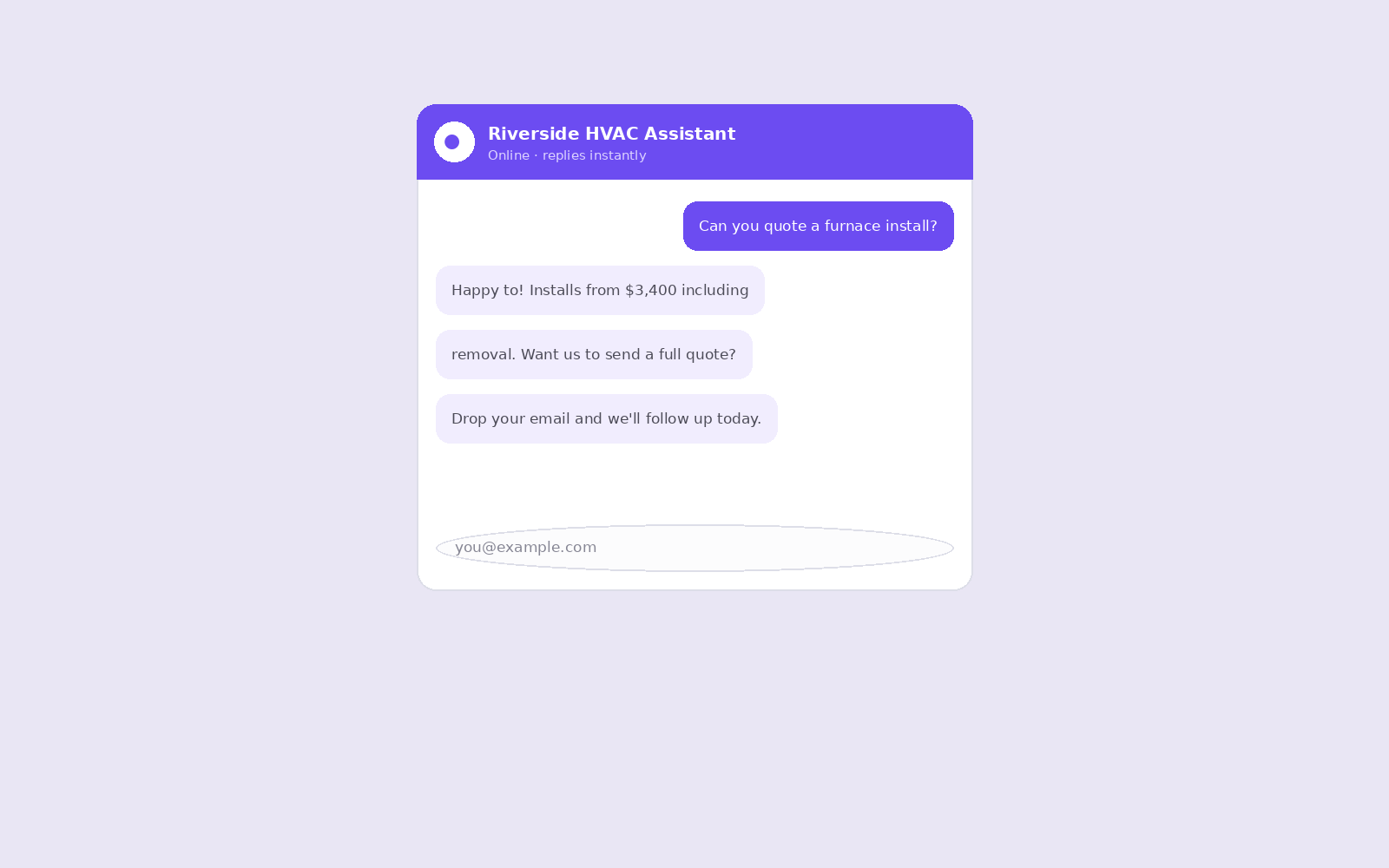
That ordering matters. Forms gate help behind contact details; chat gives help first, which is why chat capture converts visitors who'd never fill a form.
Short on time? Create your free assistant and it does the setup below for you — no card needed.
Turning it on
Lead capture is a single toggle plus one sentence — the lead question — in your dashboard:
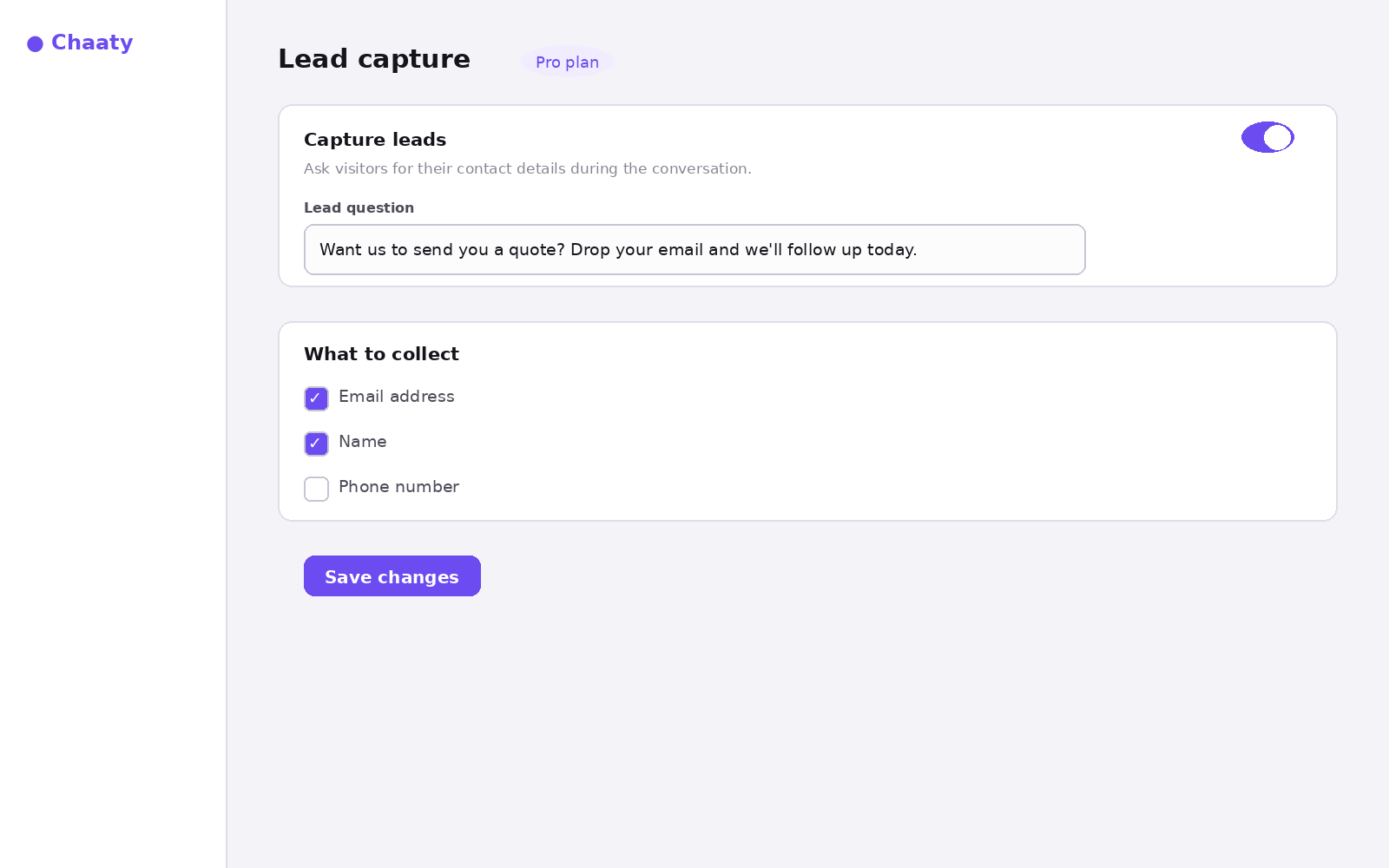
Full setup, including writing a lead question that people actually answer, is in the setup guide.
Where leads land
Every capture appears in your Leads view with the conversation that produced it, so you see not just an email but what they wanted:
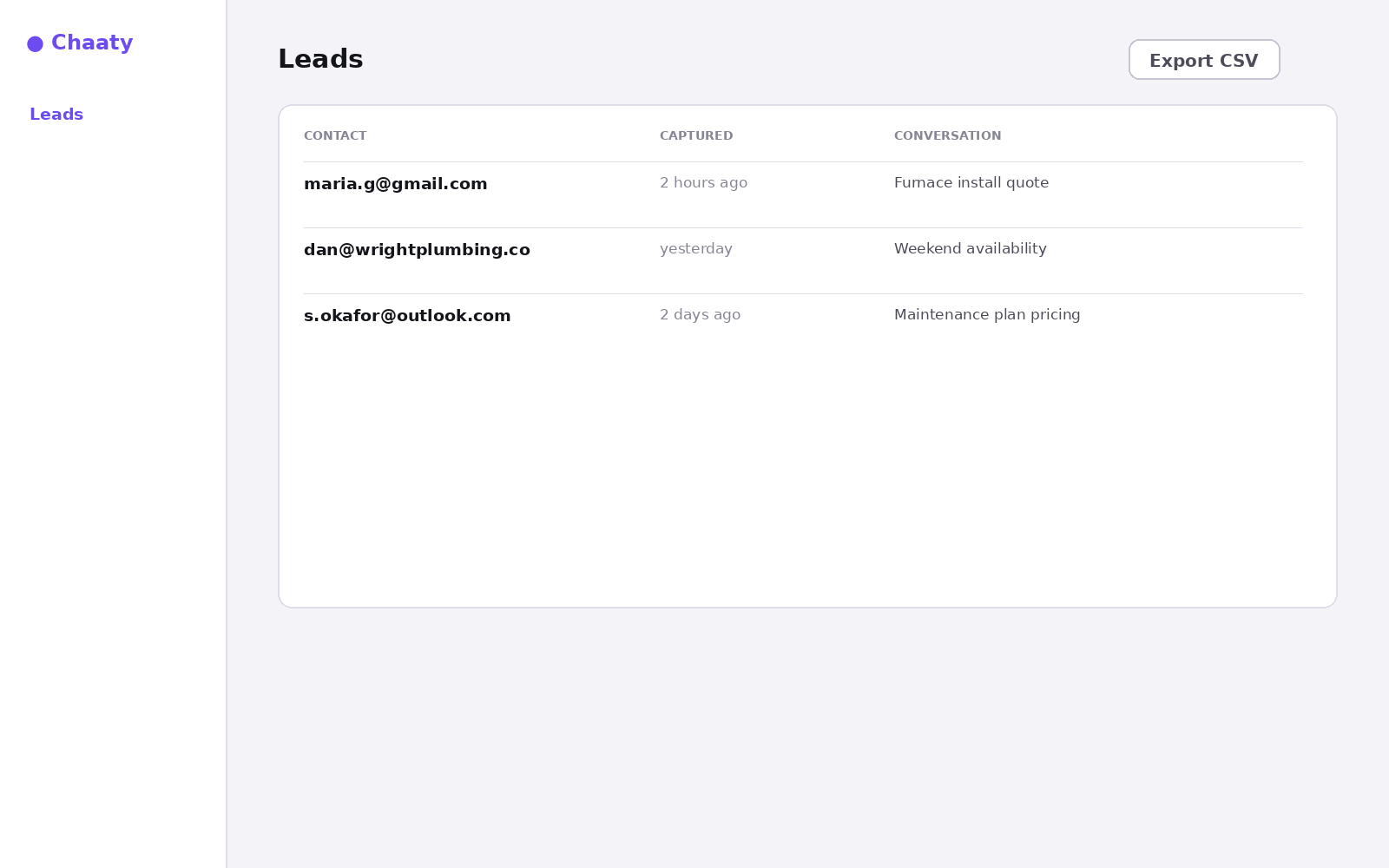
Export as CSV, or push each lead to your CRM automatically with webhooks and Zapier.
Put an AI assistant on your site today
Chaaty reads your website and builds a working assistant in about a minute. Free plan, no credit card.