Removing Chaaty branding from your widget
On paid plans the "Powered by Chaaty" line disappears and the widget becomes fully yours — here's where the switch is and what it changes.
On the free plan, the widget carries a small "Powered by Chaaty" line. On paid plans you can switch it off, and the assistant presents as entirely part of your site — your name, your colours, no third-party trace.
Where the switch is
Branding lives with the rest of the appearance settings:
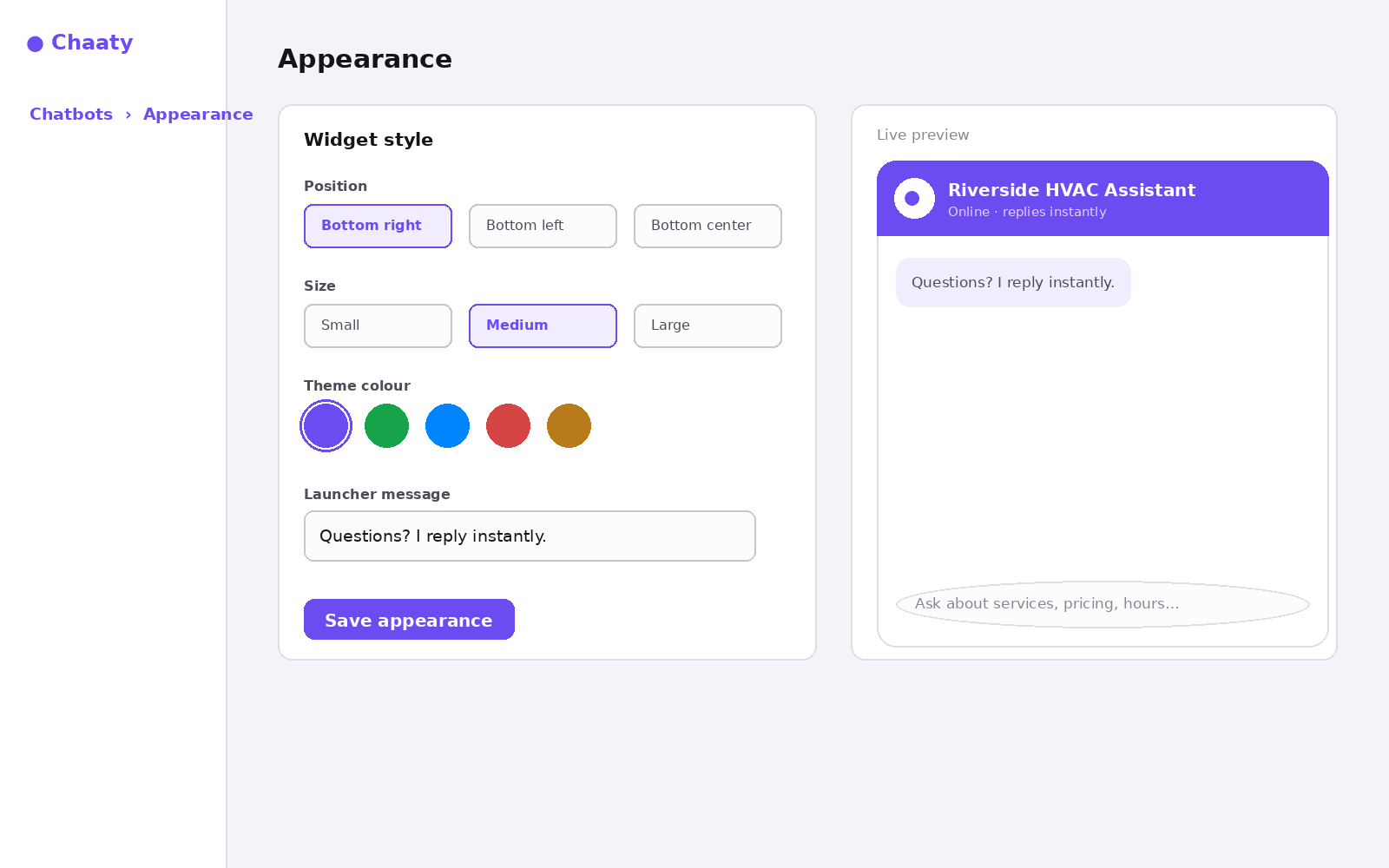
Flip it off and the change applies live — no re-embedding.
Short on time? Create your free assistant and it does the setup below for you — no card needed.
Why it's a paid feature
The free plan is genuinely free, and the branding line is how it pays for itself: free widgets introduce Chaaty to their visitors. Once you're on any paid plan you're the customer, not the channel — so the badge goes.
Make the most of a white-label widget
Removing the badge matters most when the rest of the widget looks native too: theme colour matched to your site's buttons, an assistant named for your business rather than "AI Assistant", and a greeting written in your voice. Together, visitors experience "this company answers instantly" — which was the point all along.
Plan details are on the pricing page; usage and limits are covered in the plans guide.
Unlock this feature on your assistant
Available on Paid plans. Upgrade in a minute — cancel any time.